
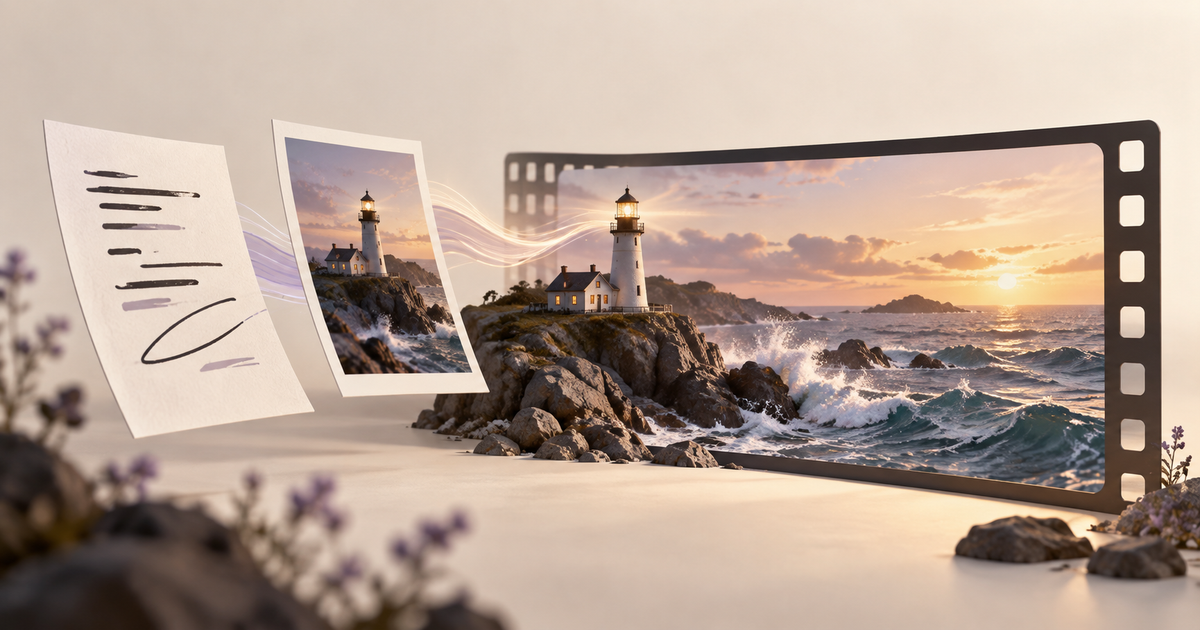
A lighthouse at sunset can become a video in two different ways. You can describe the coast and let a model invent the composition, or begin with an image whose framing you already like. On VisionDir, that decision leads to text to video or image to video.
The useful question is what you have already decided. If the scene is still open, start with words. If the opening composition matters, prepare the image first. Neither route guarantees that every visual detail will survive motion.
Write a tiny shot card
Before opening a generator, write three lines: what the viewer sees, what moves, and where the clip will appear. For our example, the subject is a white lighthouse on a rocky coast, the movement is a gentle wave against the foreground rocks, and the destination is a wide website banner.
This small card gives the project boundaries. A dramatic aerial orbit might look impressive but would be a different shot. Likewise, a vertical close-up may lose the space needed for the website heading. Decide the destination before generating so you can select a suitable aspect ratio in the current tool.
Start with text when the composition is open
Open VisionDir's text-to-video page and choose an available model. Read its displayed settings before submitting; durations and output options depend on the selection.
Try this original brief:
A solitary white lighthouse on a rocky coast at sunset. Wide, stationary composition with the lighthouse on the right and open sky on the left. One small wave rolls into the foreground rocks. Warm light in the lantern room, restrained natural colors, continuous shot.
Review the scene as a draft. Is the lighthouse readable at banner size? Does the empty sky actually leave enough room for your heading? If the layout needs major changes, revise the visual description before adding more movement.
Start with an image when you have a visual direction
For the image route, choose a source with a clear subject and a crop close to the intended destination. A cramped photograph with the lighthouse cut off at the top creates an avoidable composition problem. Fix the image before asking for animation.
Upload it in VisionDir's image-to-video tool and check the upload preview. Your motion instruction can now focus on the action:
Keep the lighthouse and horizon in their existing positions. Animate a gentle wave around the foreground rocks, with a faint glow from the lantern. Stationary camera, quiet atmosphere, no scene change.
This prompt states an intention, not a preservation guarantee. Inspect the horizon, lighthouse edges and rocks throughout the returned clip.
Decide what to fix next
Watch the clip once at normal speed and once slowly. If the lighthouse changes shape, try less motion. If the composition is wrong, return to the source image. If the result is attractive but too busy behind a heading, simplify the scene or reposition the text in your page layout.
Keep the approved still and the chosen video together in your project folder. Give them descriptive names such as “lighthouse-banner-still” and “lighthouse-banner-wave-v1”; this is a manual organization habit, not a built-in VisionDir versioning feature.
Can I combine both approaches?
Yes: explore a still-image direction first, approve the framing, then use that image as the input for a video. The handoff makes your own visual decisions explicit. Start with the AI image generator if you need the opening image, then move to image to video.
For more help, read the Wan prompt guide and video budget planning guide.