VISIONDIR FREE IMAGE STUDIO

GPT Image 1.5
Free Alternative

Explore GPT Image 1.5 inspiration, then turn your own prompt into a free image on VisionDir.

3 free images / day60-second free queueNo account credits deducted

Create a free image

VisionDir Free Studio

Sign in to explore your ideas with your daily free image allowance.

Aspect ratio

Today’s free allowance3 / 3

Shared across free tools. Resets at 00:00 UTC. Failed generations release the slot.

Model reference preview

GPT Image 1.5 reference example

GPT Image 1.5 reference example. Explore the prompt to inspire your own creation.

Your history

Sign in to view your generations.

EXPLORE GPT IMAGE 1.5

Portrait details and explanatory illustrations

The GPT Image 1.5 reference collection pairs portrait texture with a technical diagram. These are useful starting points for editorial portraits and visual explanations. Describe the story and the most important details first, then use the free canvas to test the framing.

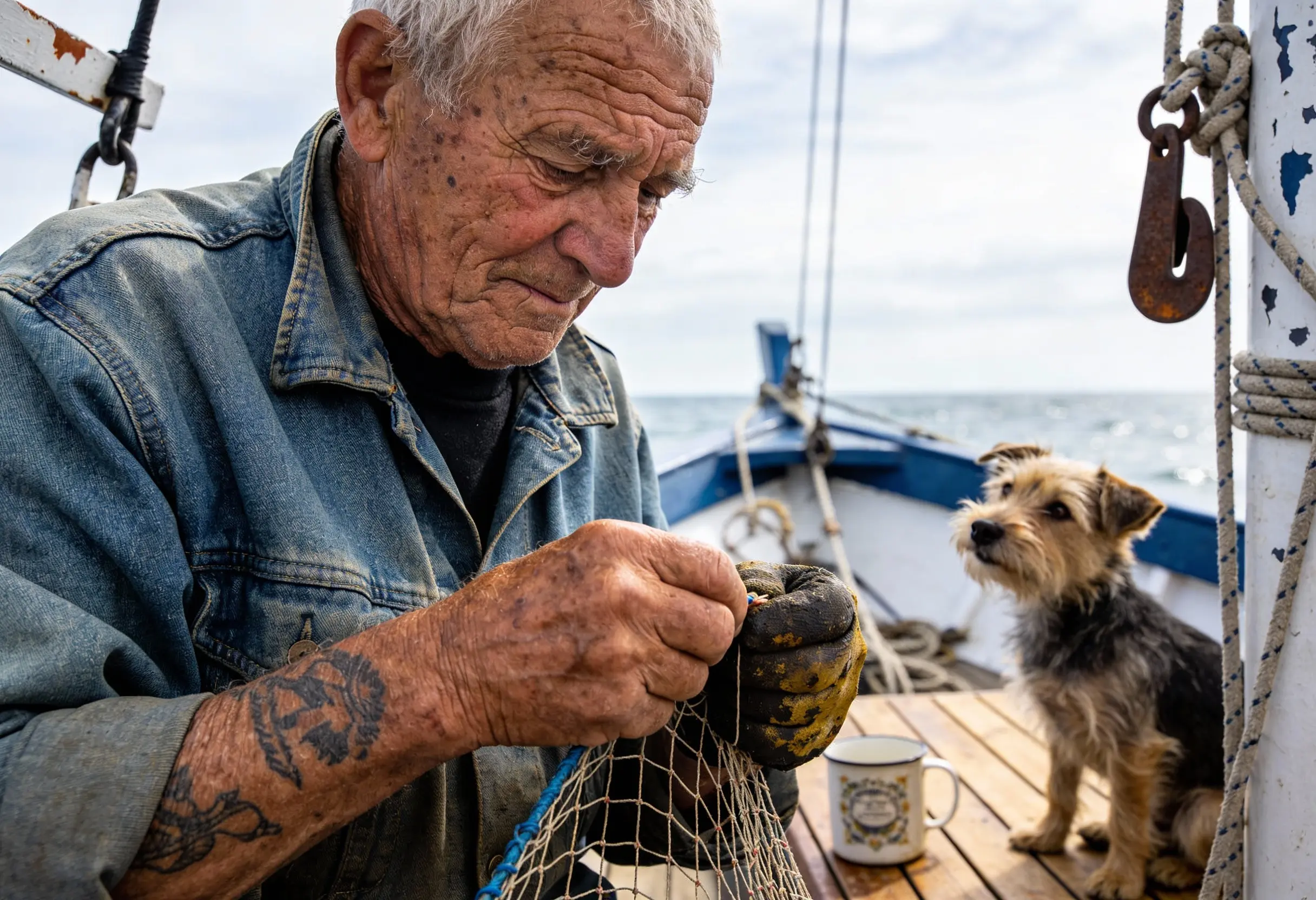
GPT Image 1.5 Sailor portrait
GPT Image 1.5 · REFERENCE EXAMPLE

Sailor portrait

Create a photorealistic candid photograph of an elderly sailor standing on a small fishing boat. He has weathered skin with visible wrinkles, pores, and sun texture, and a few faded traditional sailor tattoos on his arms. He is calmly adjusting a net while his dog sits nearby on the deck. Shot like a 35mm film photograph, medium close-up at eye level, using a 50mm lens. The image should feel honest and unposed, with real skin texture, worn materials, and everyday detail. No glamorization, no heavy retouching.
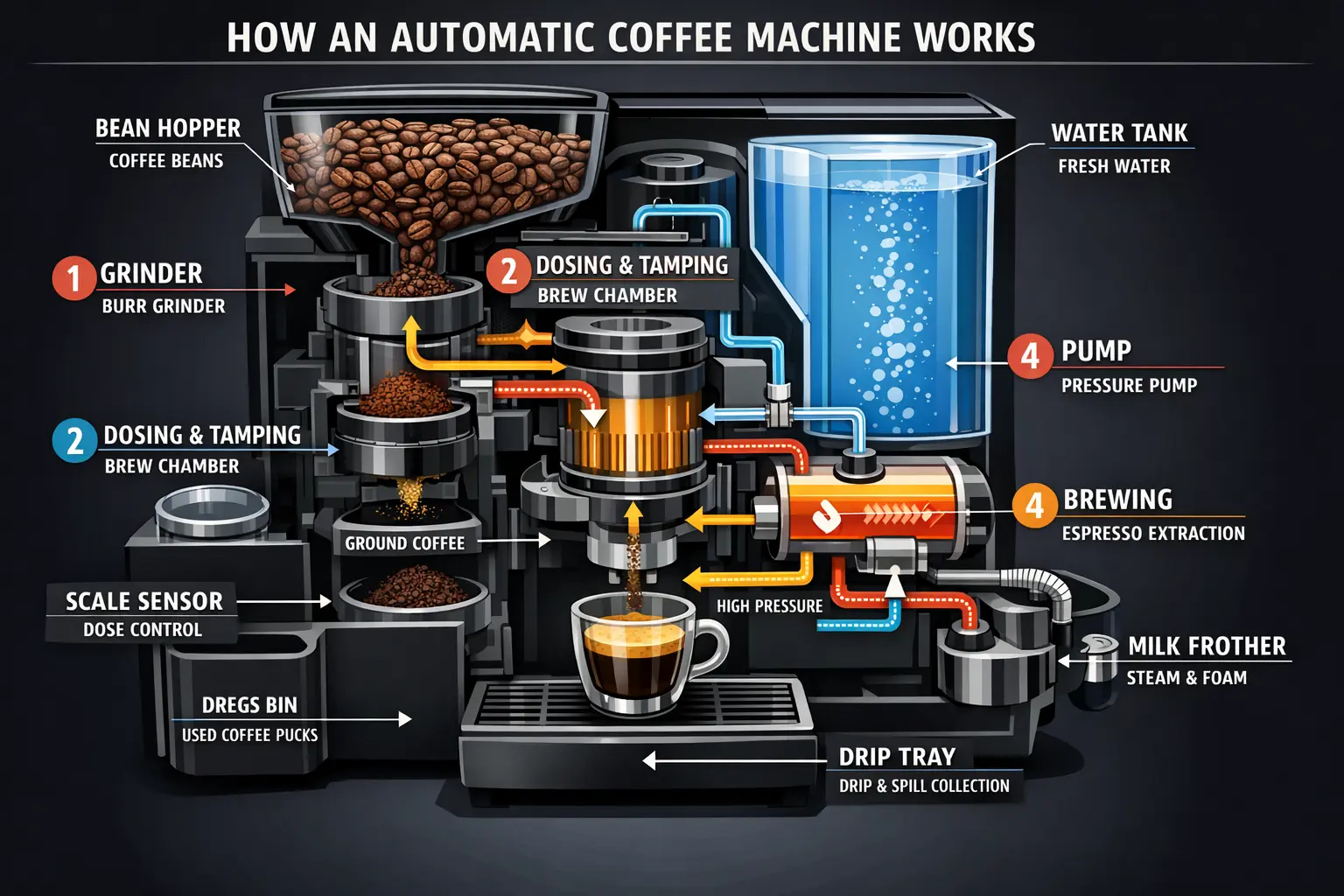
GPT Image 1.5 Coffee machine diagram
GPT Image 1.5 · REFERENCE EXAMPLE

Coffee machine diagram

Create a detailed Infographic of the functioning and flow of an automatic coffee machine like a Jura. From bean basket, to grinding, to scale, water tank, boiler, etc. I'd like to understand technically and visually the flow.

GPT Image 1.5 prompt tips

For a portrait, describe age, expression, surroundings and light. For diagrams, define a small set of components and check factual details separately.

Ideas to explore

  • Editorial portraits
  • Explainer graphics
  • Workshop stories

01 · Describe

Choose a subject, setting and light. Free generation supports text prompts and five aspect ratios.

02 · Wait 60 seconds

Free requests enter a short queue before they are submitted. No account credits are charged.

03 · Create and keep

Download the result or revisit it in your image history. Original-model tools remain available separately.

GPT Image 1.5 free alternative FAQ

What can I explore on the GPT Image 1.5 free page?

The GPT Image 1.5 reference collection pairs portrait texture with a technical diagram. These are useful starting points for editorial portraits and visual explanations. Describe the story and the most important details first, then use the free canvas to test the framing.

How do I use the original GPT Image 1.5?

Use the paid-model button to open the original GPT Image 1.5 tool. Its generation settings and credit pricing are shown on that page.

Do I need to pay or use credits?

Sign in for up to 3 free images each UTC day. Free jobs are recorded with a cost of 0 account credits.

Can I upload an image for editing?

This free tool supports text-to-image only. Open the original model tool for reference-image and editing options.

GPT Image 1.5 Free Alternative & Image Prompts | VisionDir